
iPhone & iPad (Safari)
- Open Shuffle in Safari.
- Tap the Share icon in the toolbar.
- Scroll and choose Add to Home Screen.
- Name it and tap Add, and the icon appears with your other apps.
Shuffle is built as a mobile web platform. Irish players open it in Safari or Chrome, sign in and get the full lobby (originals, slots, live dealer tables and the sportsbook) without downloading anything from an app store.

To be clear about what this is: Shuffle is accessed through the mobile browser. Rather than searching the App Store or Google Play, you open the site, sign in and add it to your home screen. Whether a native store listing exists for your region is something to confirm on Shuffle directly. The browser route works either way.
Two minutes on either platform, and afterwards it opens full-screen with its own icon.
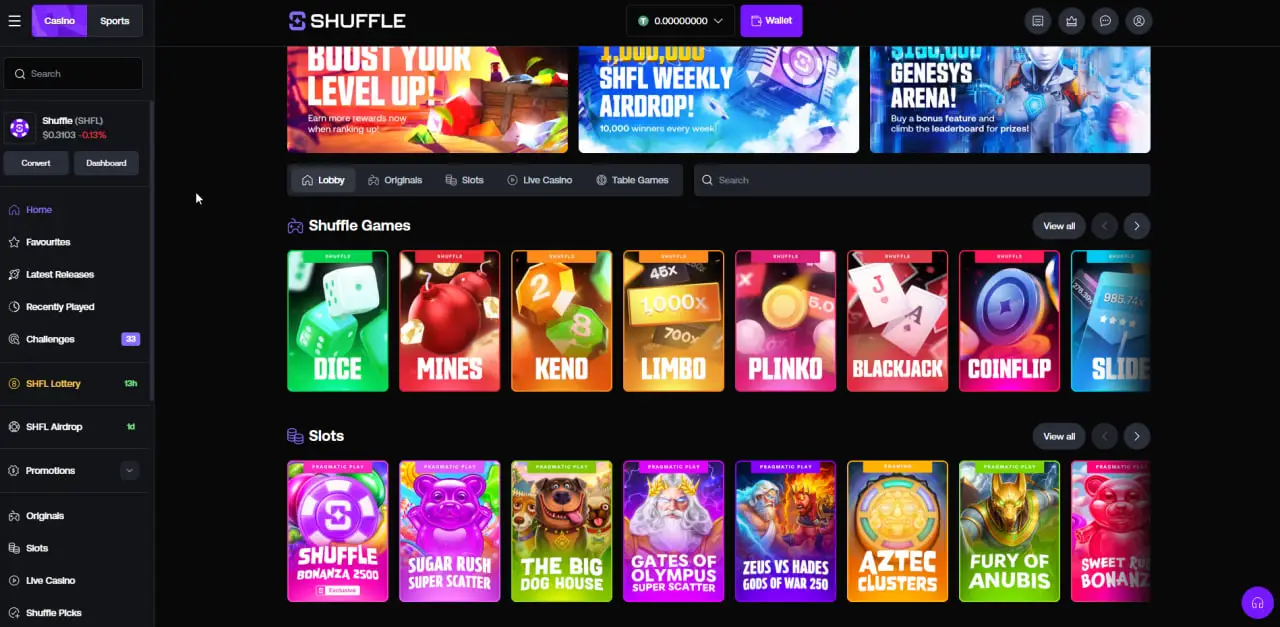
On a phone the desktop sidebar collapses into a bottom bar. Lobby, Slots, Live Casino, Sports and Rewards sit within thumb reach, and the wallet balance stays pinned near the top with a Deposit button beside it.
Game tiles stack in a two-column grid and scroll horizontally inside each category row, so you can move from Shuffle Originals to Slots without leaving the page. Search is one tap away when you know the title you want.
Dice, Mines, Limbo, Plinko, Keno and Coinflip are the best fit for mobile. Single-tap rounds, no long animations and results resolve immediately.
Slot titles run in portrait with the reels scaled to the screen width. Autoplay and quick-spin controls sit in the bottom bar for one-handed use.
Live dealer tables stream fine over a decent 4G or 5G connection, though a stable Wi-Fi signal is better if you plan a long session at a table.
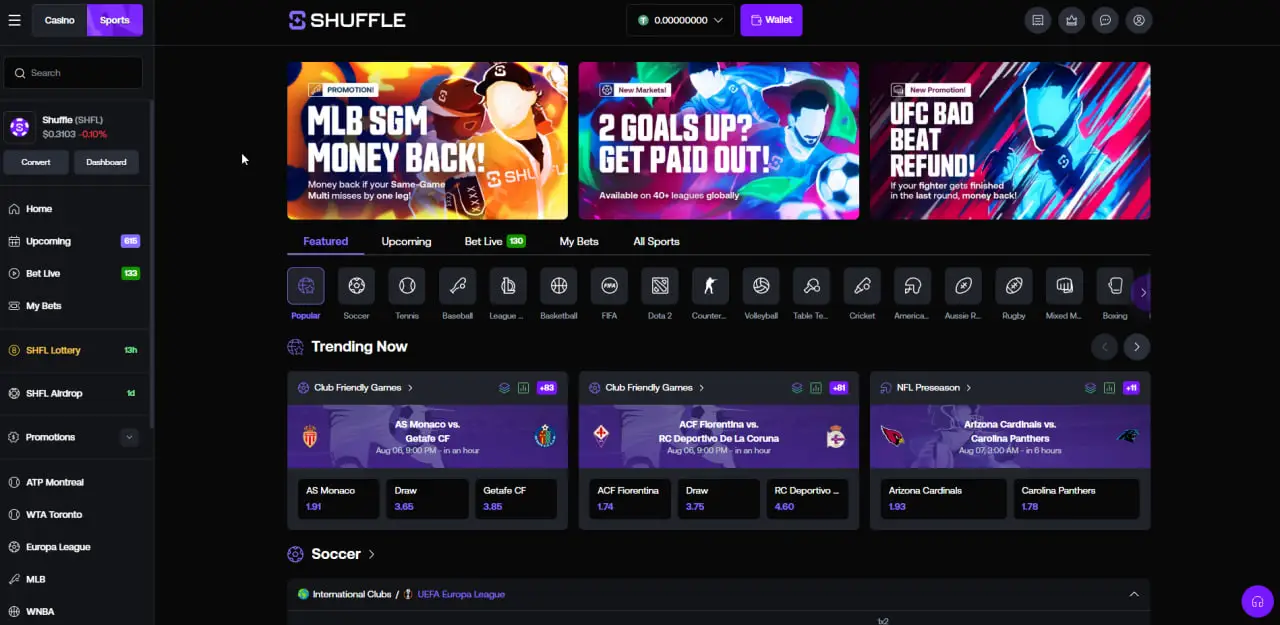
The sports side is where mobile earns its keep. In-play markets update live, the bet slip slides up from the bottom and same-game multis are built by tapping selections in sequence rather than navigating between pages.
Odds display in decimal by default. Coverage runs across soccer, rugby, racing, tennis, basketball, MMA and esports, and the Bet Live tab collects everything currently in play.
Tap Login, enter your email or username and password, then approve the two-factor prompt if you have it enabled. Full detail is on the Shuffle login page.
The cashier generates a deposit address and a QR code. Scanning the QR from a wallet app on the same phone avoids mistyping an address entirely, so use it whenever you can.
Enter the destination address, pick the network, confirm the amount and approve any security step. Check the first and last characters of the address before submitting.
Set the display currency to € in the interface so stakes and balances read in euro while the underlying funds stay in crypto. Convenient for judging stake size in Ireland.
Phones are lost, borrowed and left unlocked. A few settings make that far less costly.
Shuffle is accessed through the mobile browser. Open the site, sign in and add it to your home screen for an app-style launcher. Check Shuffle directly if you want to know whether a native store listing is offered in your region.
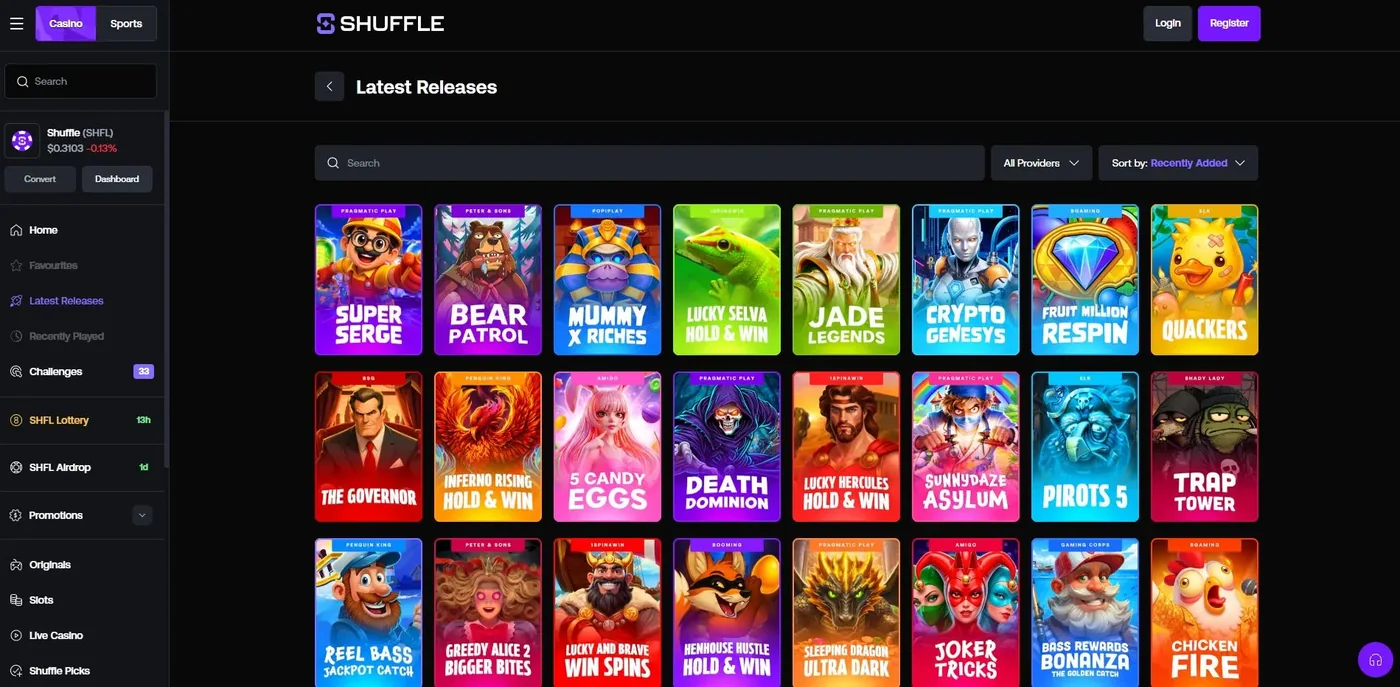
The mobile lobby carries the same catalogue as desktop: originals, slots, live dealer tables and the sportsbook. The layout changes; the content does not.
Yes. The mobile registration panel includes the same Referral Code field. Enter SHFLVIP there before completing sign-up. See the promo code walkthrough for the exact screen.
Any device running a current version of Safari or Chrome will load the platform. Live dealer streams are the most demanding part, so on older hardware the originals and slots will feel smoother.
Originals and the sportsbook are light. Live dealer video is the heavy component, so if you are on a capped Irish mobile plan, keep table sessions on Wi-Fi.
Yes, through the same cashier. Paste the destination address rather than typing it, confirm the network matches the asset, and verify the opening and closing characters before you approve.
Open Shuffle in your mobile browser, register with the code SHFLVIP and pin the site to your home screen.